Review launch readiness
Use the store-specific checklist to identify required and recommended work.
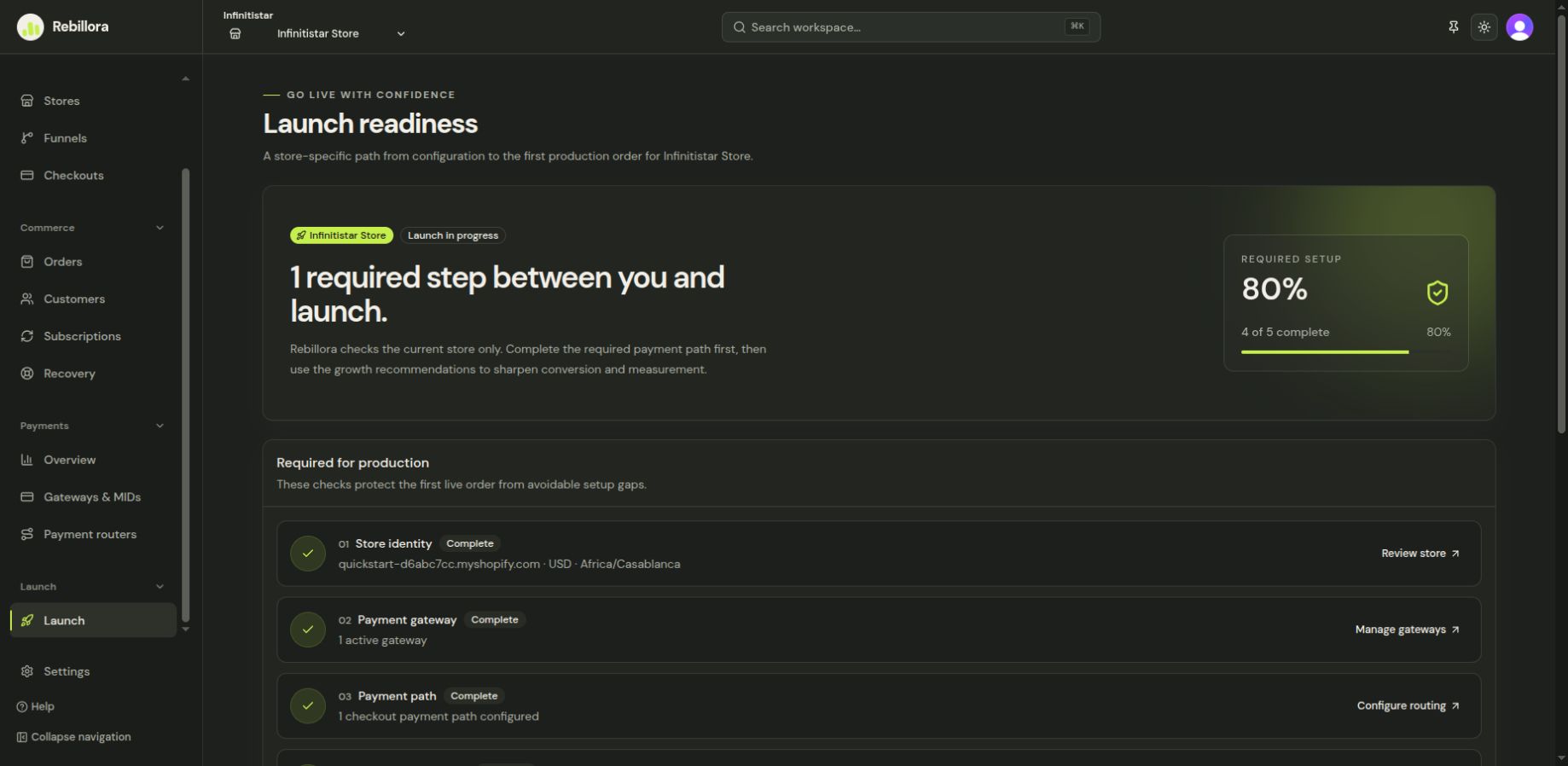
Launch is a store-specific checklist. It separates items required to go live from recommendations that improve the shopper experience.
Work through the checklist
- Select the store you intend to launch.
- Open Launch. Read each Required item and follow its link to the corresponding settings page.
- Return to Launch after each change; check whether its status has updated.
- Review the Recommended items, even if they do not block launch.
- Preview the funnel and checkout on desktop and mobile, then verify the public domain and live payment environment before sending traffic.
The checklist is a status view, not a substitute for a real end-to-end test. A Dry Run payment path does not validate a live gateway. If an item remains incomplete after you have saved its settings, contact support with the store and checklist item name.