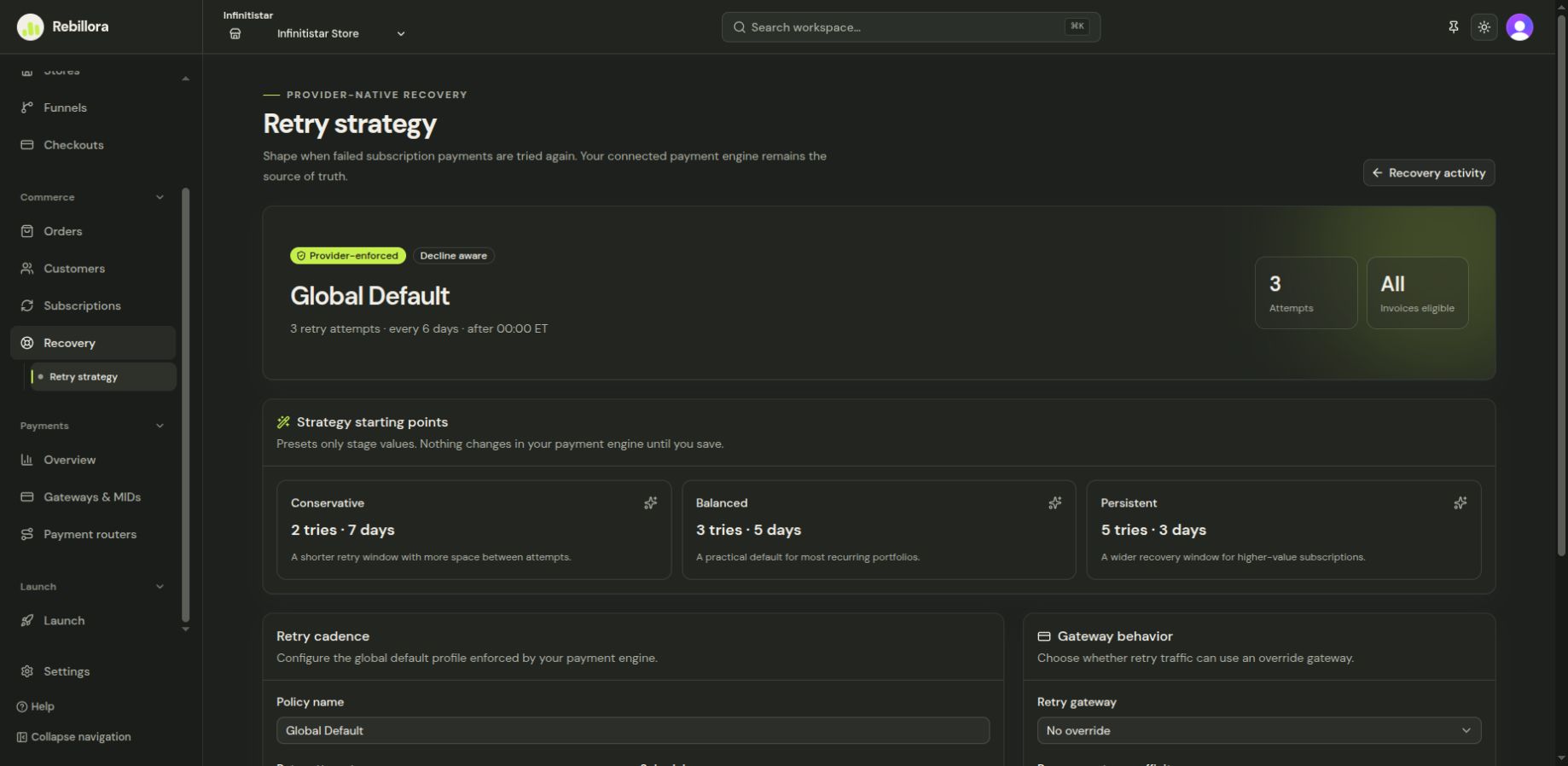
Review recovery and retry strategy
Inspect recoverable activity and tune when failed subscription charges retry.
Recovery helps you inspect failed-payment and abandoned-checkout activity. Retry strategy controls when eligible failed subscription charges are attempted again.
Inspect an item
- Select the intended store and open Recovery.
- Review the status, customer, original attempt, and any scheduled follow-up for an item.
- Open its detail before taking action. A manual retry can run a real payment attempt or customer communication, so do not use it as a test in production.
Tune retry timing
Open Recovery → Retry strategy, review the displayed timing and eligibility settings, and save only the schedule you intend to use. Return to the recovery list to see how future items are affected. A strategy change does not guarantee that a failed payment will be recovered; processor outcomes and the customer's payment method still matter.