Create a store-first funnel
Start the journey from a store and connect it to a reusable checkout.
A funnel is the journey associated with a store. It can connect a reusable checkout to its destination and optional post-purchase steps.
Create the journey
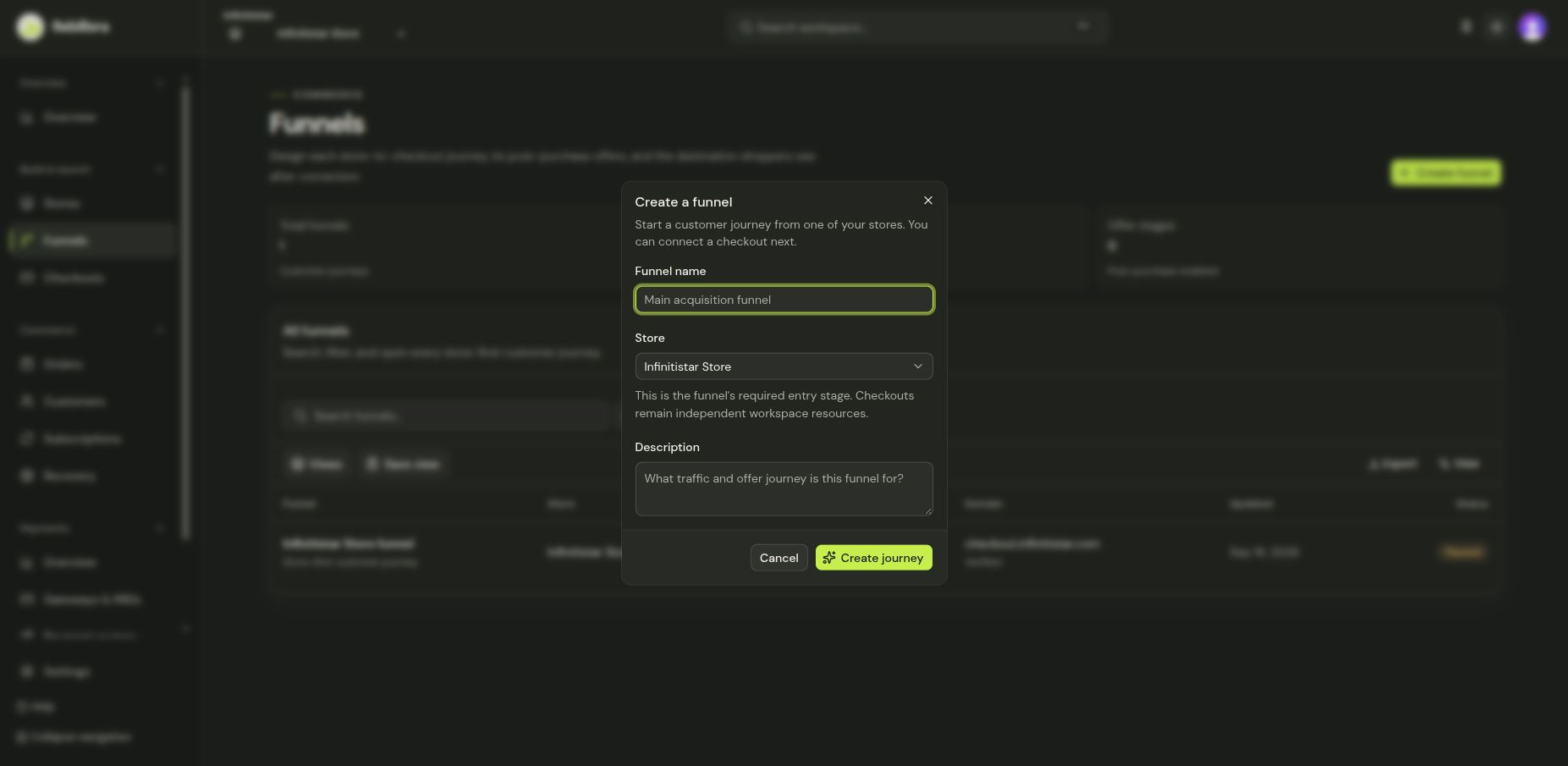
- Open Funnels and select Create funnel.
- Enter a Funnel name, select the Store, and add an optional Description.
- Select Create journey and open the new funnel.
- In the journey editor, attach an existing checkout or create the checkout you need. Review how the journey leads from the store through checkout to its destination.
- Save and use Preview before considering Publish.
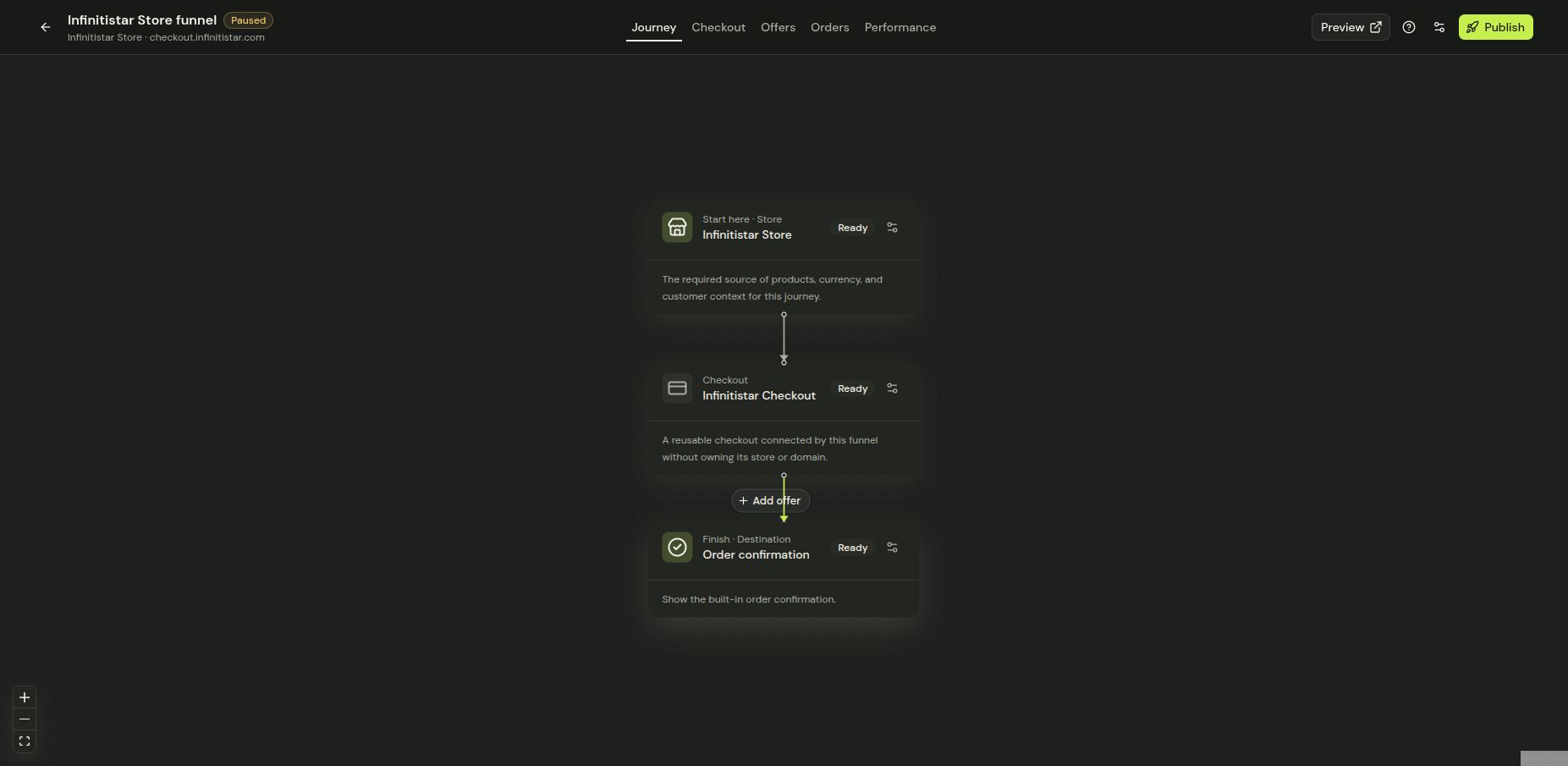
The funnel belongs to the chosen store even if its checkout resource is reusable. If the checkout, payment router, or destination is missing, resolve that in the editor and revisit Launch. Do not publish a demo funnel that could receive real traffic.