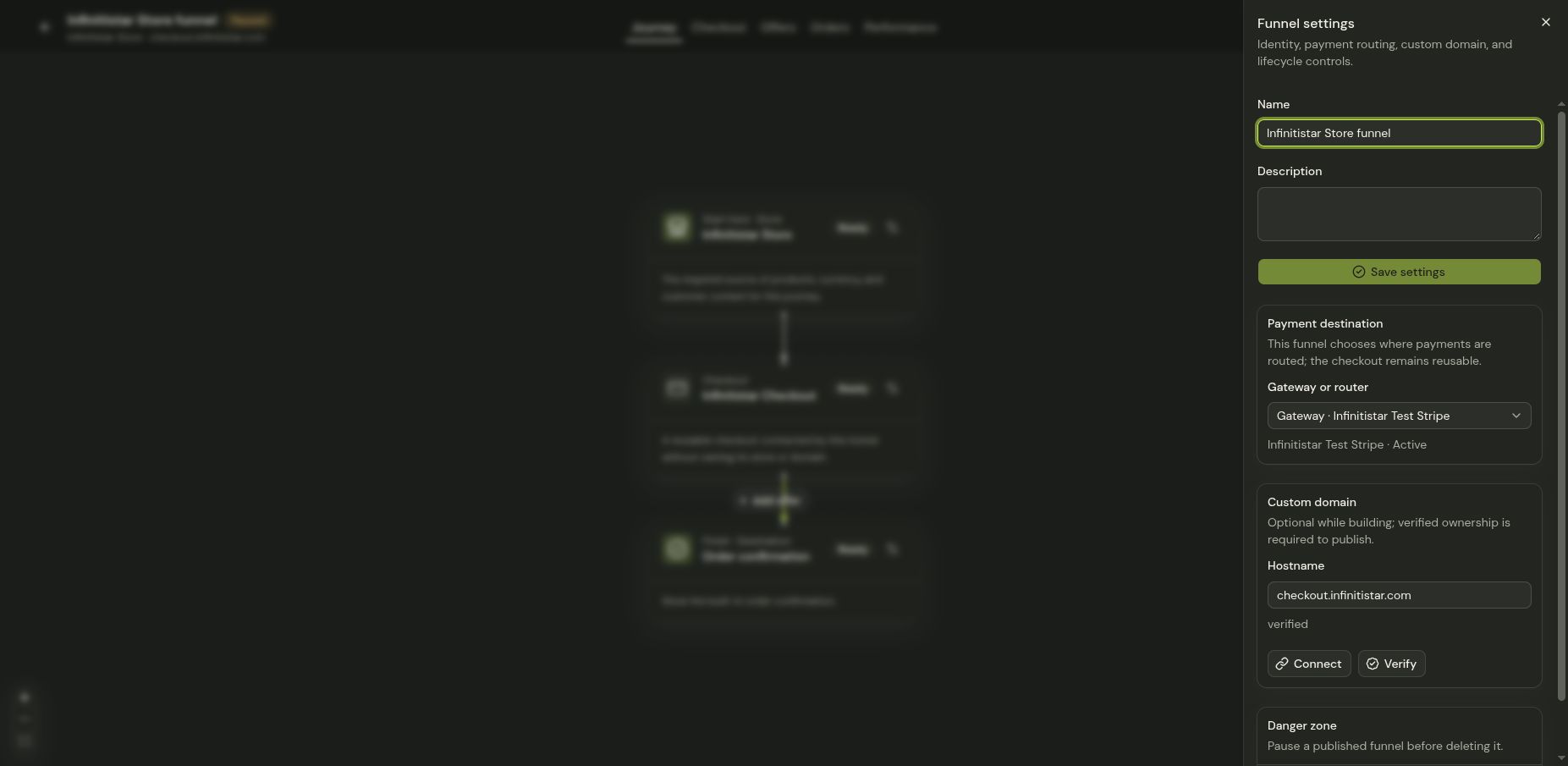
Set offers and a funnel domain
Add relevant offers and configure the address for your published journey.
Offers and domains are funnel-specific launch decisions. An order bump is shown during checkout; a post-purchase offer can appear after the first payment. Only enable offers whose price, billing cadence, and acceptance behavior you have reviewed.
Review offers
- Open Funnels and choose the intended store's funnel.
- Review the journey's offer step and any order-bump or post-purchase offer controls.
- For each offer, verify its name, image, price, currency, and whether it is a one-time item or recurring plan.
- Preview checkout and post-purchase screens. Confirm the shopper can distinguish the original purchase from any optional extra.
Review the published address
Open the funnel's settings and inspect its domain or published URL controls. Use only a domain you administer, and follow the exact DNS instructions shown for that funnel. DNS changes can take time to propagate; confirm the address and HTTPS work in a fresh browser before sending traffic. Publishing is the last step, after the Launch checklist is clear.